8 places to get research-driven content ideas (that your audience is actually looking for)
We all hit that moment where the content calendar is staring back at us and the ideas just aren't coming... and even with a solid strategy in place, sometimes you just need a spark. The good news is that you don't have to pull ideas from thin air- there are some genuinely useful tools that will point you directly toward what your audience is already searching for, asking about, and talking about online.
These are 8 of my favourites, and the reason I keep coming back to them is that the ideas they generate aren't guesswork- they're research-backed, audience-relevant, and they slot into an existing content strategy without any real friction. They really are telling me what my ideal client wants to hear.
1. Answer the Public.
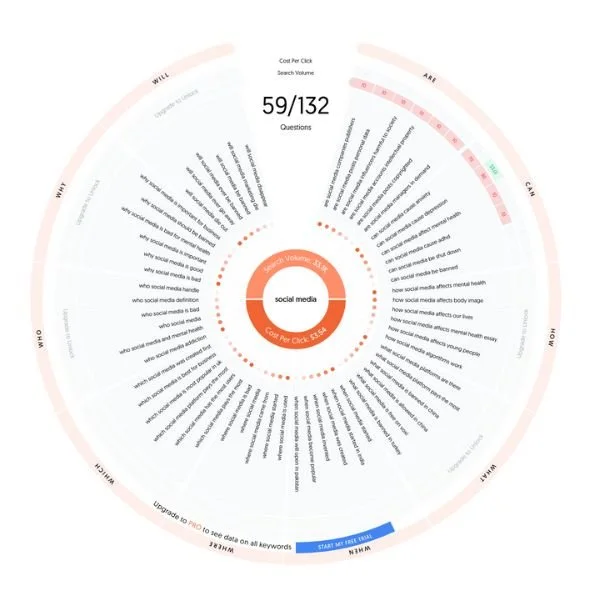
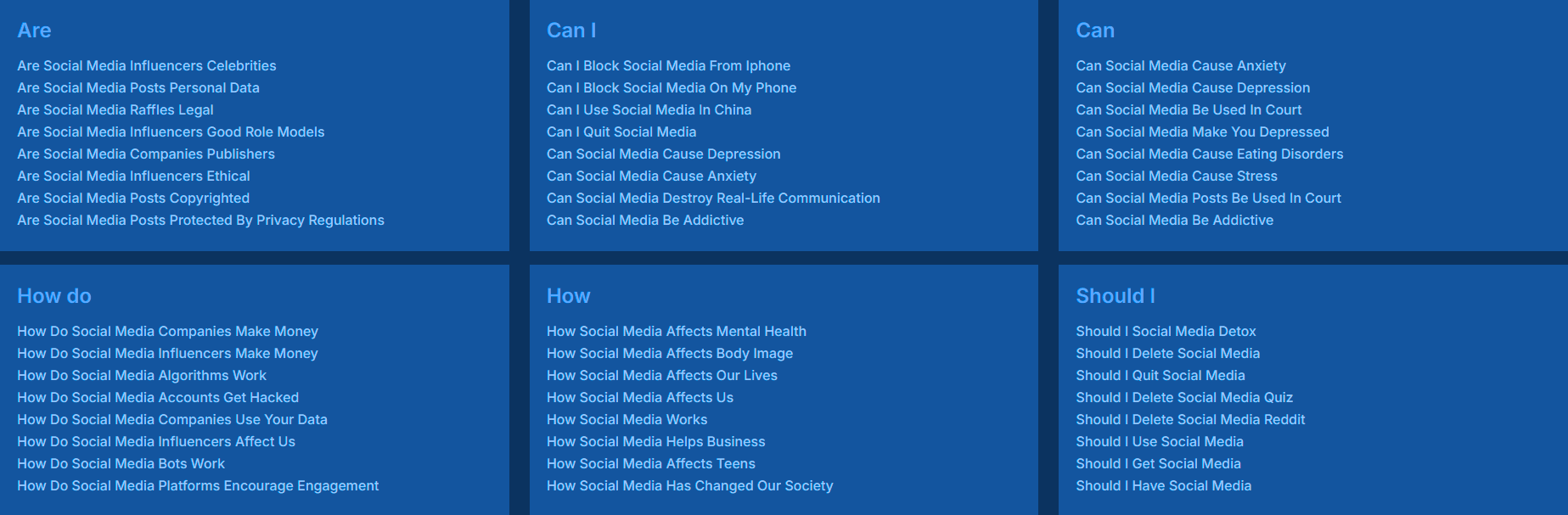
Answer the Public visually breaks down search data and gives you a wealth of content ideas based on what people are actually searching for on Google, YouTube, and Bing. You enter a keyword, and it returns all the questions being asked around that term- which means you're not guessing what your audience wants to know, you're answering questions they've already typed into a search engine- and even better, it’s visual!
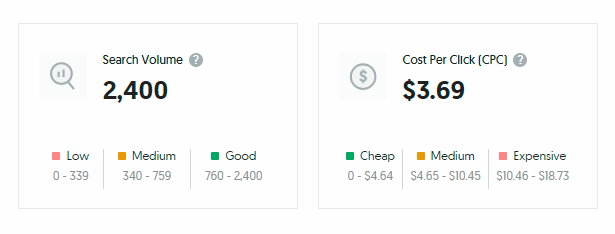
It covers things like search volume, cost per click, questions, prepositions, comparisons, keywords, numbers (like 'social media 2025'), and related searches- so one keyword search tends to give you far more to work with than you'd expect.
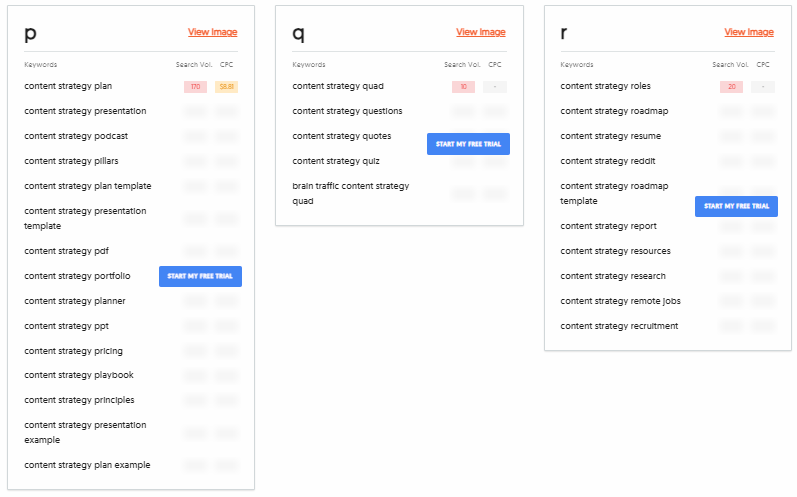
Worth knowing- Answer the Public has a paywall and limits you to a couple of searches a day on the free plan, so it's not ideal for a big research session. That said, one good keyword search generates enough ideas to keep you going for a while. And if you do want unlimited searches, there's an alternative...
2. Answer Socrates. www.answersocrates.com
Answer Socrates doesn't have the visual appeal of Answer the Public, and it only covers questions rather than the full range of search data- but it gives you a significant number of questions to explore without any search limitations. 🙂 For getting to the questions your audience is genuinely asking, it's well worth having in your toolkit alongside Answer the Public, even if it's a bit less fancy!
3. Google Alerts.
https://www.google.co.uk/alerts
Google Alerts lets you set up notifications for chosen topics or keywords, delivered straight to your inbox- so you can stay on top of recent discussions, newly published content, and emerging talking points in your industry without having to go looking for them.
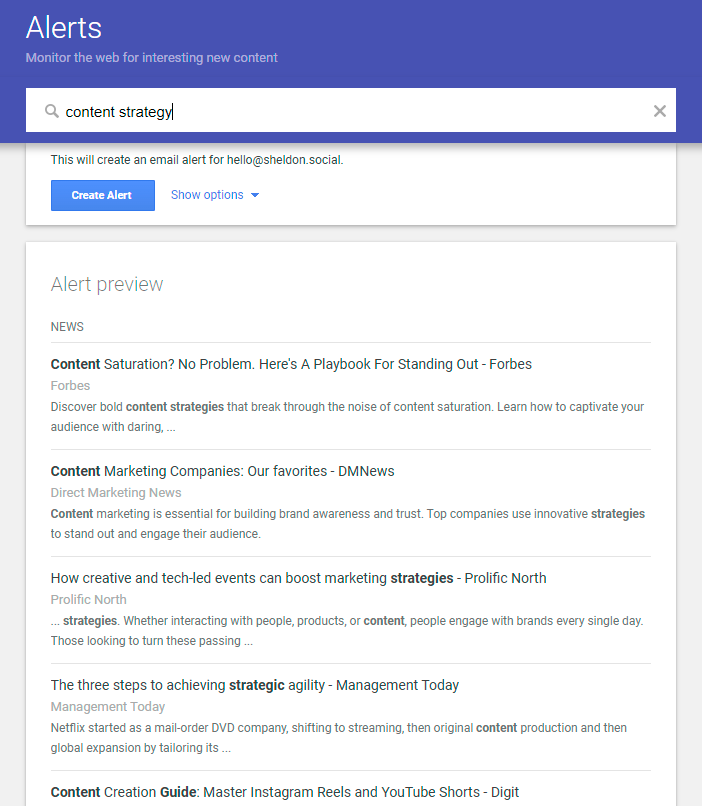
It's useful for a few different things: monitoring industry trends, discovering new content angles, and keeping track of brand mentions so you can stay across online conversations about you or your business.
A few tips for getting the most from it- be specific with your search terms if you’re getting too broad results, adjust the frequency so your inbox doesn't get swamped, and use filters like 'OR' and 'NOT' to refine your alerts and cut out the noise.
4. Google Trends.
https://trends.google.com/trends/
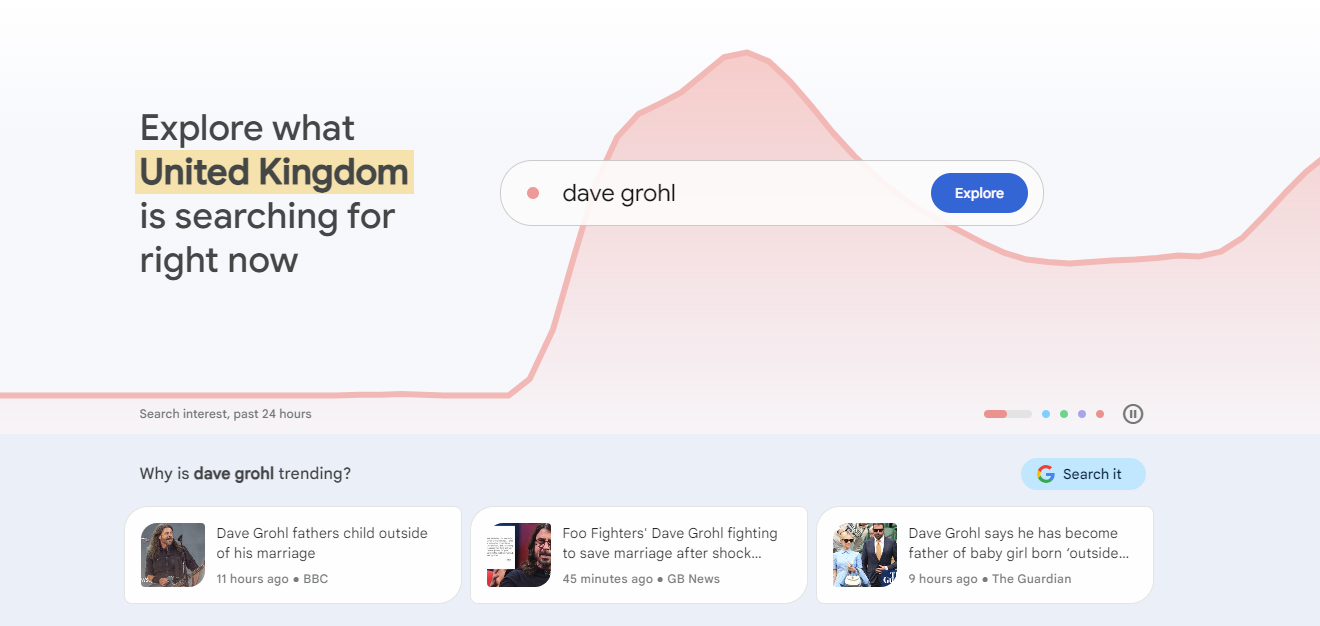
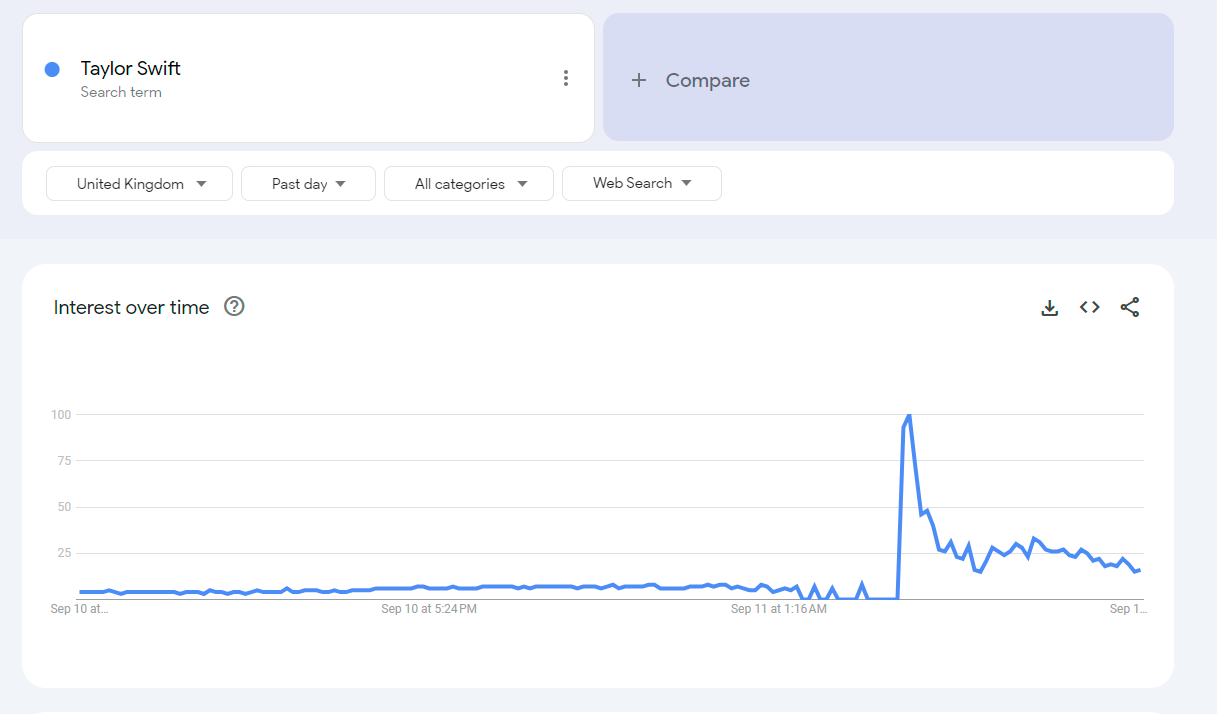
Google Trends lets you explore what people are searching for right now, with the ability to compare the popularity of different terms, uncover related queries, analyse seasonal patterns, and get location-specific data. That last point is particularly useful if your business serves a specific region- you can see exactly what's trending in your area rather than working from global data that might not reflect your audience at all.
5. Social media platforms.
I know I know… you’re creating for social… but platforms like Reddit, TikTok, and Threads are also useful research tools- even if you're not using them actively for your brand. Searching your keywords on these platforms gives you a real-time view of what your audience is talking about, what questions they're asking, and what the general mood is around topics in your industry.
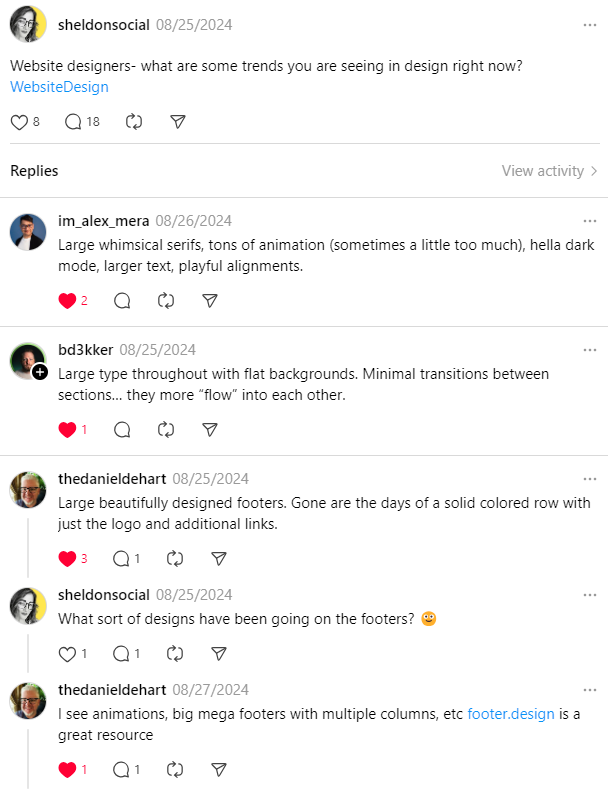
Threads in particular has developed a keyword search feature that makes it increasingly useful for this kind of research- and it has a conversational, discussion-led feel that can surface content ideas you wouldn't find through a standard search tool. If you are active on any of these platforms for your brand, joining those conversations directly is even better- there's a lot you can learn from being in the room rather than just observing from the outside.
6. Industry publications.
Industry publications- whether physical magazines or online outlets- are a great source of current topics, emerging trends, and expert perspectives that you can use as a starting point for your own content.
To be clear though, this isn't about putting someone else's article through AI or rewording it. It's about letting what's already being discussed in your industry spark something of your own- a video response to a trend, a social post that uses a headline as a start point, a newsletter that shares your take on something you've read… the publication gives you the topic; your experience and perspective makes it more valuable for your audience.
7. Customer feedback and FAQs.
This one gets overlooked more than it should, and it's one of the most reliable sources of content ideas available to you- because the questions your audience is asking you directly are likely the questions they're also typing into search engines!
Go through your DMs, your email enquiries, your post comments, your discovery call notes... anywhere that your audience has asked you something is a potential content idea. If you're seeing the same question come up repeatedly, that's worth looking at to see if you can create some content around it... and if a competitor has a similar audience, their comment sections are worth a look too.
8. AI tools.
AI tools like Claude and Gemini are genuinely useful for generating content ideas- not for writing your content necessarily, but for helping you work out what to write about.
The distinction matters I think. AI generates from data and patterns; you write from stories, lived experience, and genuine expertise. What AI can do well is help you collate and organise your thinking, suggest angles you hadn't considered, and give you a list of starting points to react to. I might ask something like 'give me 20 content ideas for Instagram reels under the content pillar of content repurposing'- I might only like one or two of the suggestions, but those one or two often spark five more ideas that feel genuinely mine. You can also train your AI on your own stories and perspective, which can also give lots of new ways of looking at how to write your content too.
The more context you give it, the more useful it becomes. I keep a detailed brand prompt saved in my Notion workspace that I paste in at the start of any new AI chat- it means the suggestions I get are at least in the right territory from the off.
And if you combine AI with your findings from Answer the Public or Answer Socrates, you can move from research to a full content idea list surprisingly quickly... which is a lot more enjoyable than staring at a blank screen.
Putting it into practice.
You don't need to use all eight of these at once- pick one or two that feel like a natural fit for how you already work, and try them out next time you're planning content. The aim isn't to add another task to your list, it's to make the ideas you're already looking for easier to find.
If you found this helpful, you might like to explore my explore page where you can find more helpful resources. www.sheldon.social/explore …
or get in touch directly if you'd rather just have a chat about where you're at.🙂
